
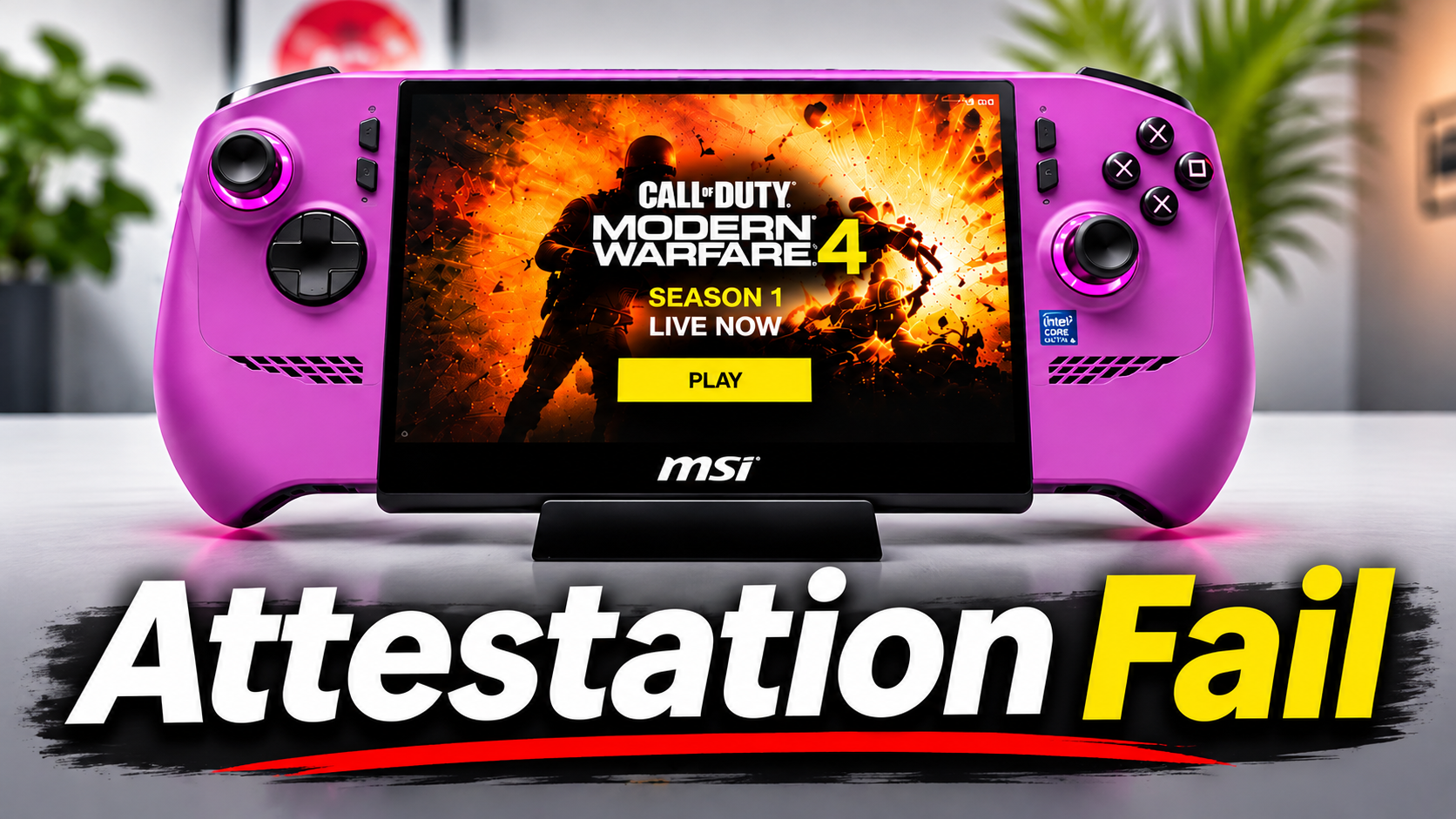
When I tried playing Call of Duty Modern Warfare 4 on my MSI Claw 8 EX AI+, I received a failed attestation warning that prevented me from accessing multiplayer. The game also indicated that my BIOS needed updating.
After checking my BIOS version, I discovered that it was already up to date. Fortunately, I found a solution using Activision’s Call of Duty Secure Attestation Wizard.
Checking the BIOS
I opened MSI Center M, selected News and Updates, and ran a system scan to identify my installed BIOS version.
I then compared that version with the latest BIOS available on MSI’s support website. At the time of recording, my MSI Claw was already running the BIOS released on October 30, 2026.
Using Activision’s Secure Attestation Wizard
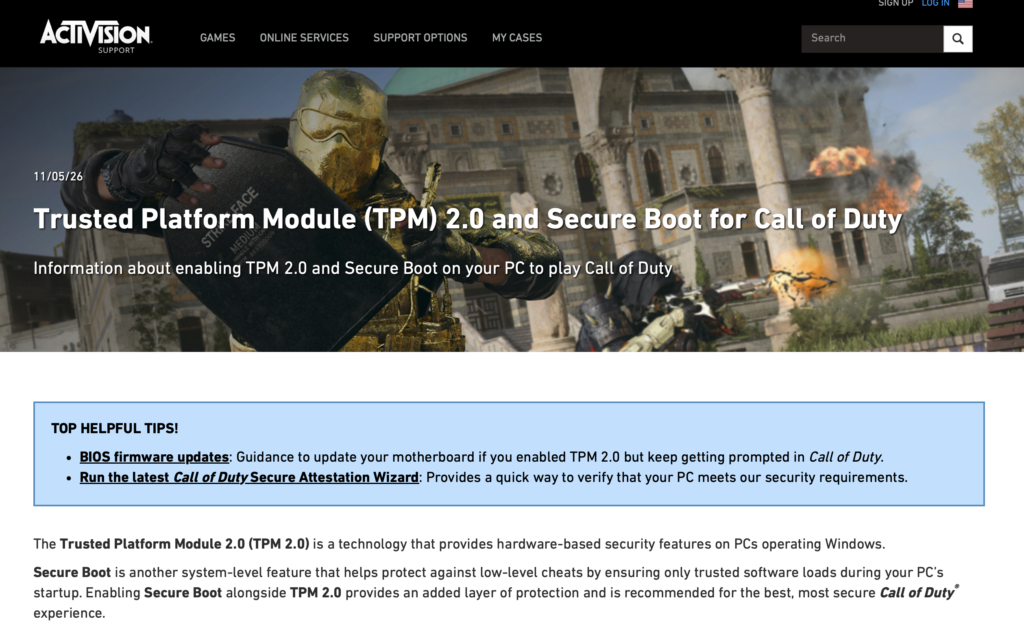
I downloaded the Secure Attestation Wizard from Activision’s official support website.
- Run the wizard and accept the license agreement.
- Perform a security scan.
- If the BIOS is already up to date and the wizard offers Generate Key, select it.
- Run another scan to verify the result.
After generating the key, my MSI Claw passed the attestation check, and I was able to access Call of Duty multiplayer.
Official resource: Activision — TPM 2.0 and Secure Boot
How to Check Secure Boot and TPM 2.0
These Windows 11 security features are part of Call of Duty’s anti-cheat requirements.
| Feature | How to check |
| Secure Boot | Press Windows + R, type msinfo32, and check that Secure Boot State says On. |
| TPM 2.0 | Search for tpm.msc, confirm the TPM is ready for use, and check that Specification Version is 2.0. |
My MSI Claw Gameplay Settings
Once multiplayer was working, I tested Call of Duty using these settings:
| Setting | My configuration |
| Power mode | MSI AI Engine |
| Resolution | 1920 × 1200 |
| Refresh rate | Auto 120 Hz |
| Upscaling | Intel XeSS |
| Frame generation | Off |
| Motion blur and depth of field | Off |
| Film grain | 0 |
Running on battery, I generally saw frame rates in the 70s and 80s FPS, occasionally reaching the 90s. Gameplay felt smooth on my MSI Claw 8 EX AI+.
Watch the Video
In the accompanying video, I demonstrate the attestation error, the Secure Attestation Wizard, the Windows security checks, and my Call of Duty gameplay results.
Watch the video here: https://youtu.be/1FKinN3jHK0
This article documents the steps that worked on my MSI Claw 8 EX AI+. Results may vary depending on your PC, BIOS version, and security configuration.